
Legacy workflow actions
These are the actions you add to a legacy workflow with Add action in the classic builder.
Add an action
Click Add action in the Builder to add a step. Actions are split into Internal actions and External actions. The internal actions you see depend on the object the workflow runs on. Request and change workflows offer the full set below.
Flow Controls
Core Utilities
Change Management
User Management
External actions are grouped by app, such as sending a Slack DM or creating a user in Microsoft Azure. See Third-party actions in workflows.
Actions in scheduled workflows
Actions define what happens when the workflow runs. You can:
-
Update request, asset, or user attributes
-
Add or remove tags
-
Send notifications via Slack, Teams, or email
-
Request additional details via a form or send for approval
-
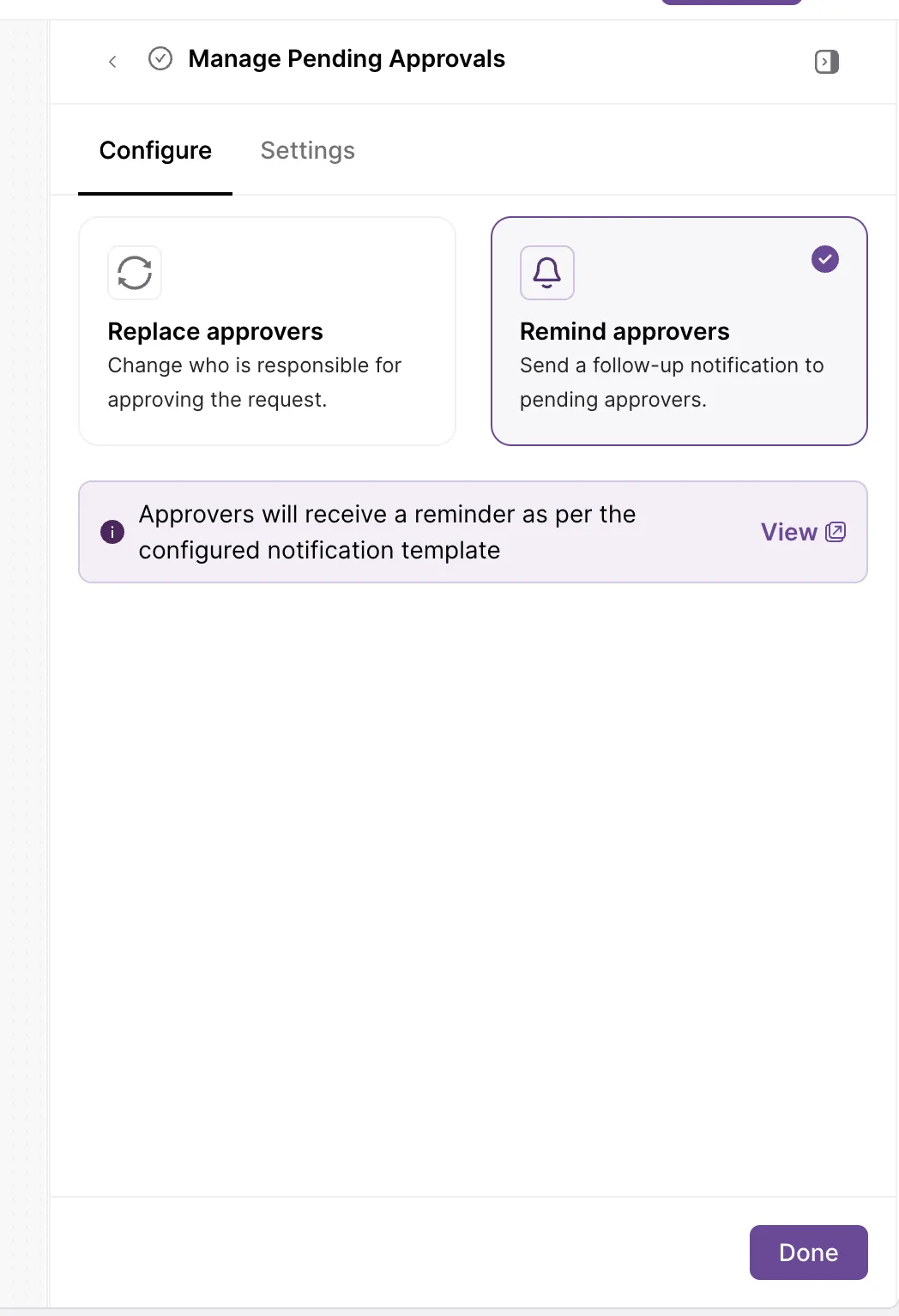
Scheduled workflows can also follow up on approvals that remain pending beyond a defined time. Add a Manage Pending Approvals action, choose Remind approvers, and the workflow sends the reminder using the standard notification template configured in Notifications.
-
Create or update records (requests, assets, users)
-
Add additional conditions or include a delay